

Starting your first WordPress website in India feels exciting — until you open a hosting comparison page and get hit with 47 plan options, three pricing tiers, and a table full of acronyms nobody explained.
This guide cuts through all of that.
We have tested and compared the best WordPress hosting for beginners in India 2026: people who have never set up a website before, are building their first blog or small business site, and want something that works without calling a developer.
Every provider on this list has servers in or near India, real INR pricing, and a control panel that does not require a computer science degree to navigate.
What Makes Hosting Beginner-Friendly in India?
Not all beginner-friendly hosting is the same. A host that works well for a US beginner can still be a frustrating experience for someone in India if the servers are in Virginia and the support team operates on US hours.
Here is what we looked at for this list specifically:
1. One-click WordPress installation
You should never have to manually upload files, configure a database, or edit PHP settings to get WordPress running. Every host on this list installs WordPress in under two minutes.
2. India-based servers (Mumbai preferred)
Server location directly affects how fast your website loads for Indian visitors. A Mumbai server typically delivers pages 300–800ms faster than a US-based server for visitors on Jio or Airtel. That difference shows up directly in your Google rankings.
3. Real INR pricing with no hidden renewal shock
Several popular hosts advertise ₹69/month but renew at ₹549/month after year one. We show you both prices.
4. Control panel a beginner can actually use
cPanel, hPanel, and custom dashboards each have different learning curves. We flag which ones work without prior experience.
5. Support that speaks to WordPress problems, not just server problems
When your site goes down at 11pm, you need someone who can help fix a plugin conflict, not just restart a server.
6. Automatic backups
Beginners break things. That is normal. A host that takes daily backups means a mistake is a 2-minute restore, not a 2-day rebuild.
Best WordPress Hosting for Beginners in India 2026 — Quick Comparison
1. SiteGround — Best for Beginners Who Prioritise Performance

Starting price: ₹299/month Renewal price: ₹999/month India server: Mumbai (Google Cloud) Hosting type: Managed Shared
SiteGround runs on Google Cloud infrastructure with a Mumbai data centre. For an Indian beginner willing to pay slightly more, SiteGround delivers measurably better loading speeds than entry-level shared hosts. Independent tests consistently show SiteGround's Time to First Byte (TTFB) at under 300ms for Indian IP addresses.
The custom dashboard, called Site Tools, is well-designed for beginners. Plugin management, staging, and SSL activation are all accessible in the left sidebar without needing to navigate a complex cPanel structure. The SuperCacher tool handles caching automatically without requiring you to install or configure a caching plugin.
Key features for beginners:
- Google Cloud infrastructure with Mumbai data centre
- Built-in SuperCacher — no caching plugin required
- Automatic daily backups with 30-day retention
- One-click WordPress install and staging
- Free SSL and CDN
- Site Tools dashboard — beginner-accessible without cPanel complexity
- Free migration for one site
Who should choose SiteGround: Beginners who are willing to pay a bit more upfront for better speed and whose website performance directly affects their business — local service businesses, small e-commerce sites, or portfolios in competitive niches where page speed affects Google rankings.
Honest limitation: SiteGround has the highest renewal price on this list at ₹999/month after the introductory period. Run the long-term cost calculation before committing.
2. MilesWeb — Best for the Absolute Lowest Entry Price in India
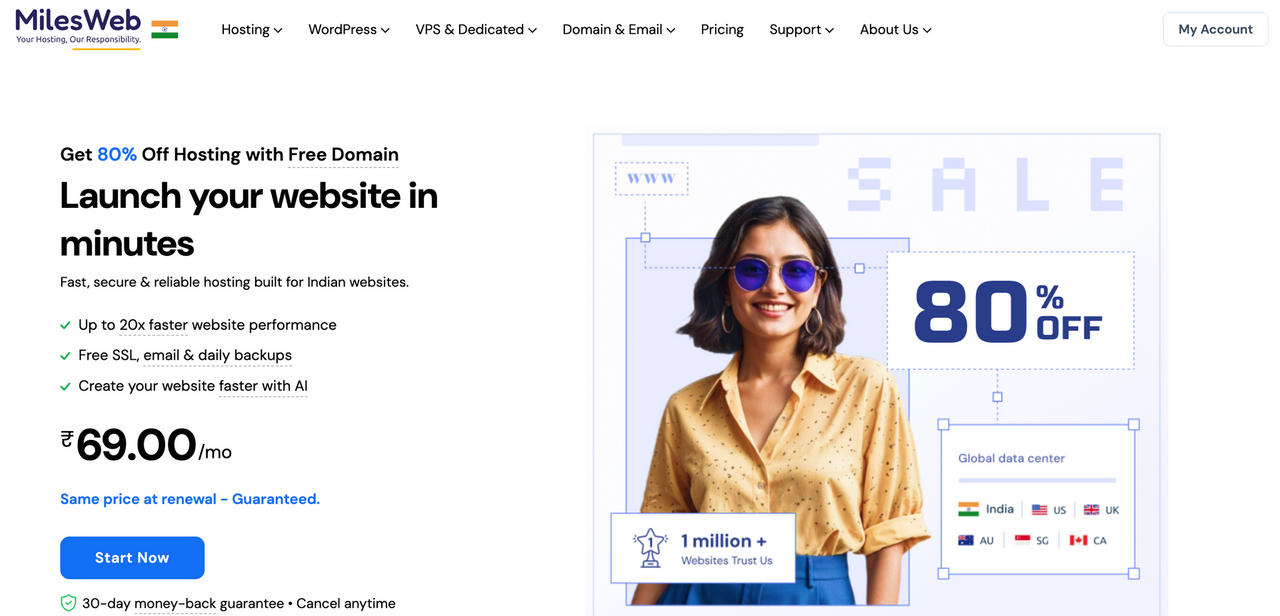
Starting price: ₹69/month Renewal price: ₹199/month India server: Yes (multiple Indian locations) Hosting type: Shared
MilesWeb is an Indian hosting company with some of the lowest entry-level prices available in the market. Plans start at ₹59/month, which is genuinely the floor for legitimate WordPress hosting with Indian servers.
For a beginner testing an idea — a first blog, a practice site, or a simple business landing page — MilesWeb removes the financial barrier entirely. The cPanel-based interface is standard across the industry, and WordPress installs in one click.
The support team is accustomed to first-time bloggers and SMBs, which makes onboarding questions easier to get answered. MilesWeb is also a local company, which some Indian users prefer for billing and support alignment.
Key features for beginners:
- Lowest entry price on this list
- cPanel control panel — widely documented online
- One-click WordPress installation
- Indian data centres reducing latency for domestic visitors
- Free SSL certificate
- 24/7 support familiar with beginner WordPress queries
Who should choose MilesWeb: Beginners who want to start a site with the smallest possible financial commitment, or who are launching a practice project and do not yet know if the site will grow. Also suitable for hyperlocal businesses targeting one Indian city.
Honest limitation: At ₹69/month you are on shared hosting with limited resources. If your site starts getting consistent traffic above 5,000 visitors/month, plan to upgrade. Some advanced features (staging, daily backups on all plans) require higher-tier plans.
3. Rocon — Best Managed WordPress Hosting

Starting price: ₹199/month Renewal price: ₹199/month (no price hike) India server: Mumbai Hosting type: Managed WordPress
Rocon is built specifically for WordPress. Unlike shared hosting where your site lives alongside hundreds of others on the same server, Rocon runs each site in its own container with dedicated CPU and RAM. What this means for a beginner: your website does not slow down because someone else on the server is getting traffic. Your site's performance is yours alone.
The setup process is about as close to instant as WordPress hosting gets. Create an account, choose a plan, and Rocon provisions a fresh WordPress installation at your domain. No cPanel to navigate, no database to configure manually. The dashboard shows you your site status, backup schedule, and SSL certificate in one screen.
For beginners, the practical advantage of managed hosting is that Rocon handles the things you do not know you should be worried about: WordPress core updates, security patches, malware scanning, and server configuration. You focus on writing and building. Rocon handles the infrastructure.
Key features for beginners:
- WordPress pre-installed and ready on first login
- Daily automated backups with one-click restore on every plan
- Free SSL certificate activated automatically
- Staging environment on all plans — test changes before breaking your live site
- Free unlimited migrations if you are moving from another host
- Container-based isolation — your site is not affected by traffic spikes from neighbouring sites
- 24/7 support from WordPress specialists, not general IT agents
- Mumbai servers with sub-200ms TTFB for Indian visitors
- No renewal price increase — ₹199/month stays ₹199/month
Who should choose Rocon: Beginners who want their hosting to be completely managed so they can focus on content and growth. Also strong for small business owners who cannot afford downtime and do not have a developer on call.
Honest limitation: Rocon is an emerging brand compared to Hostinger or Bluehost. If you specifically want a host with 10+ years of brand history, that is worth noting.
4. Hostinger — Best Budget Option for Beginners in India
Starting price: ₹149/month Renewal price: ₹449/month (after promotional period) India server: Mumbai Hosting type: Shared/Cloud
Hostinger is the most popular beginner choice in India for one reason: the entry price is the lowest on this list with a Mumbai server included. The ₹149/month plan gives you enough for a single WordPress site, which is all a beginner needs.
The control panel, called hPanel, is Hostinger's own design rather than the industry-standard cPanel. It takes about an hour to get used to, but once you do, it is genuinely easy for non-technical users. WordPress installs in one click, and the AI website builder can generate a starter layout if you are unsure where to begin visually.
The important caveat for Indian beginners: the ₹149/month plan does not include daily backups or a staging environment. The Business plan at ₹649/month adds both. If you are building a site you cannot afford to lose, budget for the Business plan from the start rather than upgrading after a problem occurs.
Key features for beginners:
- Lowest price point with a Mumbai data centre on this list
- hPanel — intuitive custom control panel with visual layout
- LiteSpeed web server — faster than Apache at the same hardware tier
- One-click WordPress installation with auto-updates
- Free SSL on all plans
- AI website builder and WordPress starter templates included
- 24/7 multilingual support including Hindi
Who should choose Hostinger: Beginners with a tight budget who are building a blog, portfolio, or informational website and can upgrade later. If you are building an online store or a site where data loss would be a serious problem, start on the Business plan (₹649/month) rather than the basic plan.
Honest limitation: The promotional pricing is the lowest, but renewals at ₹449/month are a 3x jump from the intro price. Always calculate what you will pay in year two, not just year one.
5. Bluehost India — Best for WordPress-Recommended Hosting
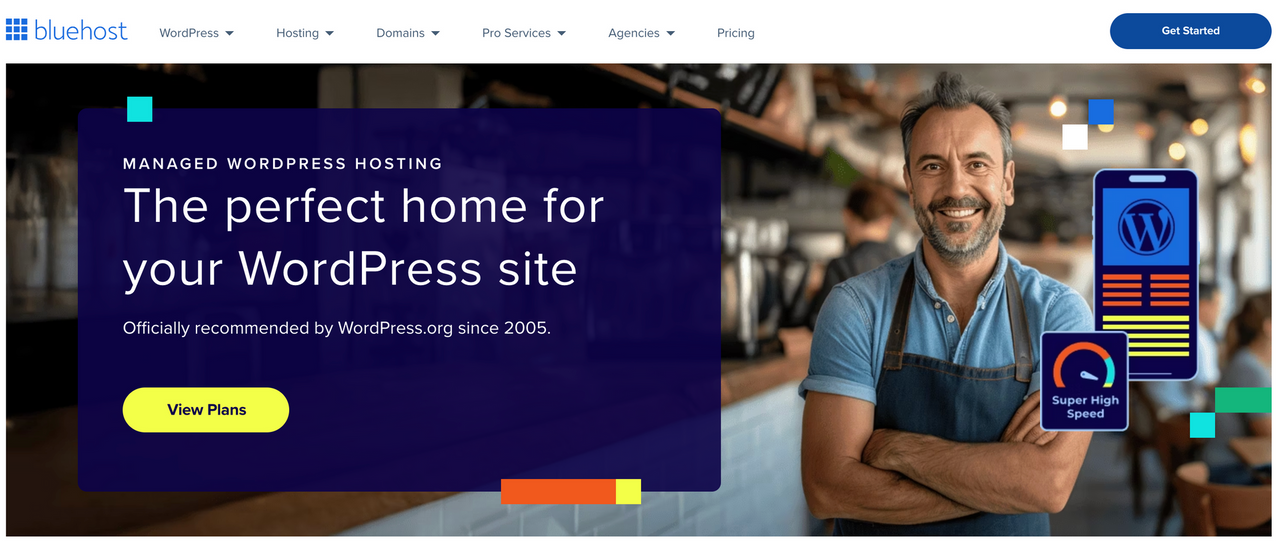
Starting price: ₹199/month Renewal price: ₹599/month India server: Mumbai (some plans) Hosting type: Shared/Managed
Bluehost is the only host on this list that carries an official recommendation from WordPress.org, the organisation behind the software itself. For a beginner who wants reassurance that they are picking something trusted, this matters.
The onboarding experience is designed specifically for first-time WordPress users. After signing up, Bluehost walks you through a setup wizard: choose your site type, pick a theme, install WordPress, and you are at a working website in under 10 minutes. The dashboard is clean and prioritises WordPress management tasks rather than server settings.
One specific feature valuable for Indian beginners is the free domain included for the first year. This removes one purchasing decision and one potential configuration step from your setup process.
Key features for beginners:
- Official WordPress.org recommended host
- Guided setup wizard for first-time WordPress users
- Free domain for the first year
- One-click WordPress installation
- Free SSL and Cloudflare CDN integration
- Automatic WordPress updates and daily backups
- 24/7 chat and phone support
- cPanel — the most widely documented hosting control panel globally
Who should choose Bluehost: Beginners who value the WordPress.org recommendation and want a beginner-optimised setup process. Also strong for bloggers who plan to follow WordPress tutorials, since most online guides assume cPanel and Bluehost as the setup environment.
Honest limitation: Renewal pricing at ₹599/month is a significant jump from ₹199/month. Some Bluehost India plans have US-based servers on lower tiers — verify you are selecting a Mumbai server during checkout if India-specific speed is a priority.
What Beginners Should NOT Do When Choosing WordPress Hosting in India
After nearly a decade working in this industry, these are the mistakes we see Indian beginners make most consistently:
Mistake 1: Buying the cheapest plan without checking the renewal price
A host advertising ₹69/month often renews at ₹499/month after the first year. This is legal but misleading. Always check the column labelled renewal price or regular price before purchasing. Your year-two cost is your real cost.
Mistake 2: Choosing a host with no India data centre
Beginners sometimes choose a global host because they recognise the brand name, without realising the nearest server is in Singapore or the US. A Singapore server adds approximately 80–120ms of latency for Indian visitors. A US server adds 200ms or more. That directly affects your Google Core Web Vitals score and your search rankings.
Before buying, ask: Does this plan include a Mumbai or India data centre? If the host cannot confirm this, move on.
Mistake 3: Starting on a plan without daily backups
WordPress sites can break. A plugin update, a theme change, or a script injection can take down a site that had no backup in under a minute. Many entry-level plans offer only weekly backups or charge extra for daily backups. For a beginner, daily backups are not optional — they are your safety net.
Mistake 4: Skipping the staging environment
A staging environment is a private copy of your website where you can test changes before applying them to your live site. Every experienced WordPress user uses staging as standard practice. Beginners typically skip it until a theme update breaks their homepage in front of real visitors. Look for a host that includes staging on entry-level plans.
Mistake 5: Choosing hosting based on a single review
One review, even a detailed one, reflects one experience. Before purchasing, check a minimum of three sources: the host's own site for current pricing, Trustpilot or Google Reviews for recent user experiences, and a performance benchmark from an independent test site using an Indian IP location (GTmetrix with Mumbai server selected is free).
How to Set Up WordPress on Your Hosting in 10 Minutes
Once you have chosen a host, setup follows the same pattern regardless of provider:
Step 1 — Create your account and complete payment: Most Indian hosts accept UPI, net banking, and credit cards.
Step 2 — Log into your dashboard: On Rocon and Hostinger this is a custom dashboard. On Bluehost, MilesWeb, and SiteGround you will see cPanel or Site Tools.
Step 3 — Click Install WordPress or One-Click Install: Enter your site name, admin username, and password when prompted. Do not use "admin" as your username — it is the first word attackers try.
Step 4 — Wait 60–90 seconds: The installer creates your database, uploads WordPress files, and configures your settings automatically.
Step 5 — Log into WordPress: Navigate to yourdomain.com/wp-admin, enter your credentials, and you are at the WordPress dashboard.
Step 6 — Install a theme: Go to Appearance → Themes → Add New. Search for a free theme. Astra, Kadence, and Hello Elementor are fast, clean, and widely used in India.
Step 7 — Install these 3 plugins only: New beginners over-install plugins, which slows sites down. Start with: (1) Yoast SEO or RankMath for search visibility, (2) UpdraftPlus if your host does not include automatic backups, and (3) Wordfence for security.
Step 8 — Publish your first page: Go to Pages → Add New, write a brief About page, and click Publish. Your site is live.
What Type of Hosting Does a Beginner in India Actually Need?
You will see several hosting types when comparing plans. Here is what each means in plain terms for an Indian beginner in 2026:
Shared hosting is the entry-level option. Your website shares a server with hundreds of other sites. It is the cheapest option and works well for new sites with low traffic. Think of it as renting a desk in a coworking space. If one company in the space is noisy, it can affect everyone.
Managed WordPress hosting is a service where the hosting provider handles WordPress updates, security, and performance tuning for you. You pay more, but you do less maintenance. Think of it as an office with a building manager. Rocon and SiteGround offer managed options. This is the right choice if you want to focus on your content and business, not on server management.
VPS hosting gives you a private portion of a server with dedicated resources. More control, more technical complexity. Not recommended for true beginners — the configuration requires command-line comfort.
Cloud hosting distributes your site across multiple servers for reliability and scalability. Cloudways is the best-known option for Indian users. Powerful, but with a learning curve. Better as a step-up choice once your site grows past 50,000 monthly visitors.
For most Indian beginners: start on managed WordPress hosting or quality shared hosting with a Mumbai data centre. Upgrade when your site's traffic or complexity demands it.
The Bottom Line
If you are starting your first WordPress website in India in 2026 and want the simplest, most reliable experience: Rocon gives you managed WordPress hosting with a Mumbai server, fixed pricing, and a team that handles the technical side so you can focus on building.
If budget is the primary constraint: Hostinger's Business plan at ₹649/month is the most balanced option — enough features to grow without overpaying in the early months.
If you want the brand that WordPress itself recommends: Bluehost India with its guided setup wizard is the right call.
Whichever host you choose, the most important thing is this: start. A live website on average hosting teaches you more in one week than a month of comparing plans. You can always migrate later. You cannot get that time back.
Frequently Asked Questions
Which is the best WordPress hosting for beginners in India?
Rocon is the best choice for beginners who want managed WordPress hosting where the provider handles maintenance, security, and backups automatically. Hostinger is the best choice for beginners on a tight budget. Bluehost is the right choice for beginners who want the official WordPress.org recommended option.
What is the cheapest WordPress hosting in India for beginners?
MilesWeb starts at ₹59/month, making it the lowest-priced legitimate option with Indian servers. Hostinger starts at ₹149/month and adds better performance and a more polished dashboard. Neither includes all beginner-essential features on their entry plan — check whether daily backups and staging are included before purchasing.
Do I need managed WordPress hosting as a beginner?
Not necessarily, but it makes the experience significantly easier. Managed hosting means your provider handles WordPress updates, security patches, and backups automatically. If you have no technical background and want your site to work reliably without learning server management, managed hosting is worth the slightly higher cost.
Does server location matter for a beginner in India?
Yes — it directly affects how fast your website loads for Indian visitors. A Mumbai server typically delivers pages 300–800ms faster for Indian users on Jio or Airtel compared to a US-based server. Faster loading improves user experience and Google rankings. Always choose a host with a Mumbai or India data centre when your primary audience is in India.
What should a beginner look for in WordPress hosting in India?
The five non-negotiables are: one-click WordPress installation, an India-based server (Mumbai preferred), daily automatic backups, a free SSL certificate, and 24/7 support from staff familiar with WordPress specifically. Everything else — staging, CDN, email hosting, extra storage — comes after these five are confirmed.
Is free WordPress hosting a good idea for beginners in India?
Free hosting is suitable only for practice or learning environments. Free hosts typically show ads on your site, do not include a custom domain, have severe resource limits, and offer no backups or meaningful support. For any site you plan to share publicly or use for business, paid hosting starting from ₹149/month is the correct starting point.
How long does it take to set up WordPress for the first time?
With a managed host like Rocon, WordPress is provisioned and ready to log into within 2 minutes of account creation. On shared hosting with one-click installers, the process takes 5–10 minutes. Building a functional first site with a theme, basic pages, and a few plugins takes 2–4 hours for a complete beginner following a standard tutorial.
Can I switch hosting providers later if I outgrow my plan?
Yes, and it is more common than most beginners expect. Most hosts including Rocon offer free migration services. Moving a WordPress site from one host to another typically takes 30–60 minutes with a migration plugin. Choose a host that fits your needs for the first 12–18 months and migrate when the requirement arises — do not over-invest in premium hosting before your site has traffic to justify it.
